
How to See What the App Is Doing Right Now with Current Activity
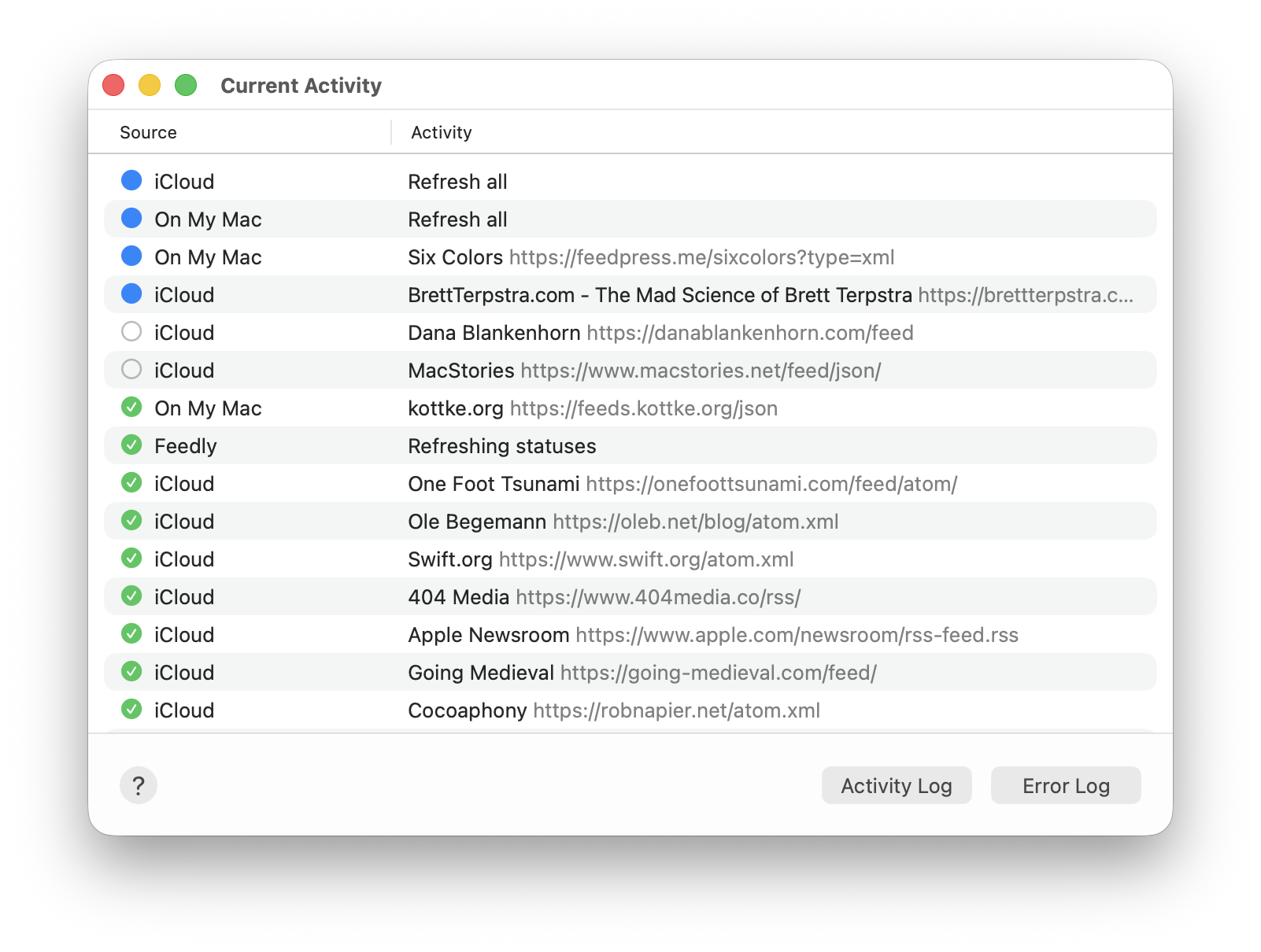
On your Mac, choose Window > Current Activity to open the window. You’ll see something like this:
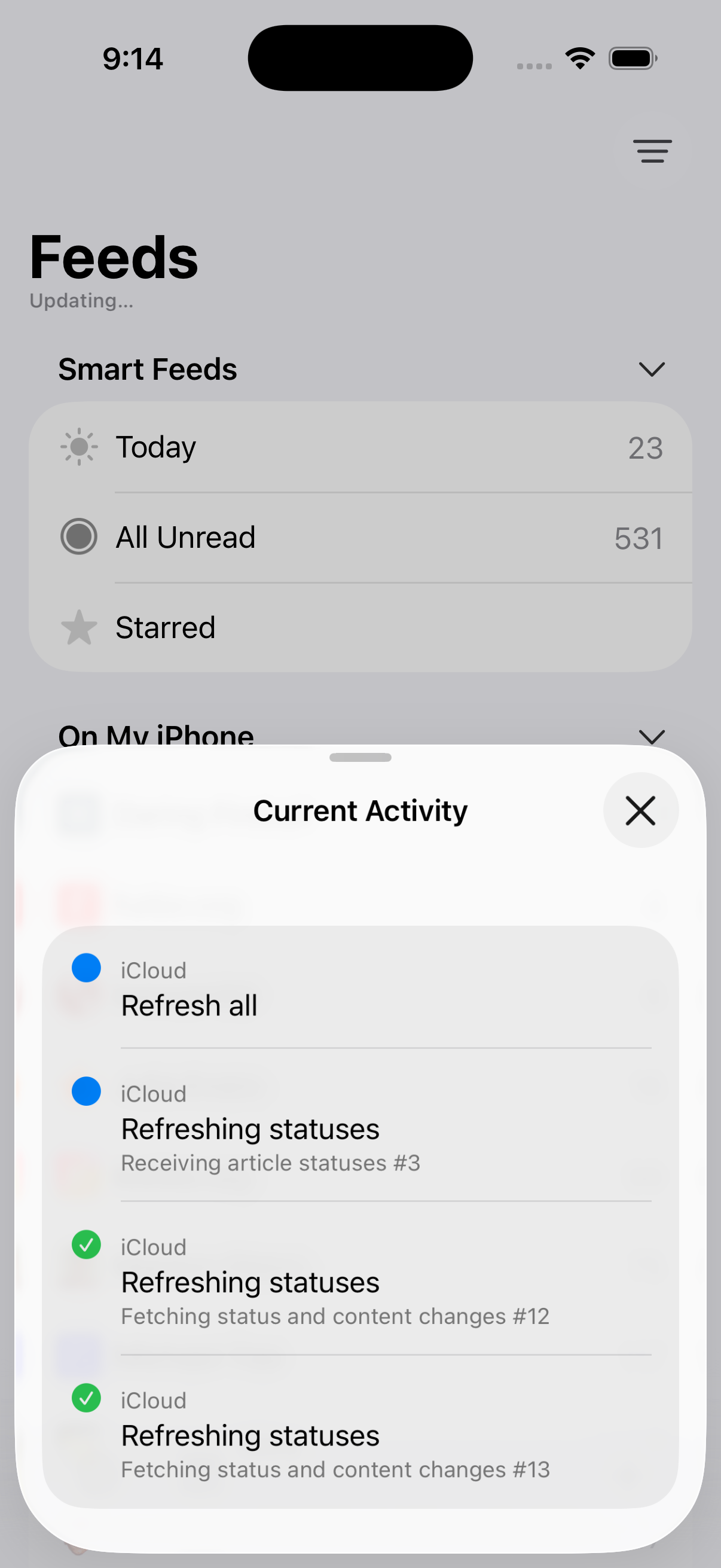
On iOS, tap the icon at the bottom left of the Feeds screen — the one immediately to the right of the gear icon (the Settings icon). You’ll see something like this:
(The Current Activity feature was added in NetNewsWire 7.1, released in June 2026.)
What’s Happening Right Now
This lists activities that do something over the web: downloading feeds, syncing statuses, finding and downloading favicons, importing OPML, finding and adding feeds, and so on.
It can be useful to know what the app is doing right now. Is it syncing with iCloud? Is it downloading a bunch of feeds? Talking to your FreshRSS installation? Downloading feed images? This window has those answers.
Also Useful
The Activity Log lists the most recent activity — instead of showing only what’s happening right now, it lists what did happen and with additional detail.
The Error Log lists recent errors, also with additional detail.
On Mac, the two buttons at the bottom of the window open these logs.