
How to See What Happened with the Activity Log
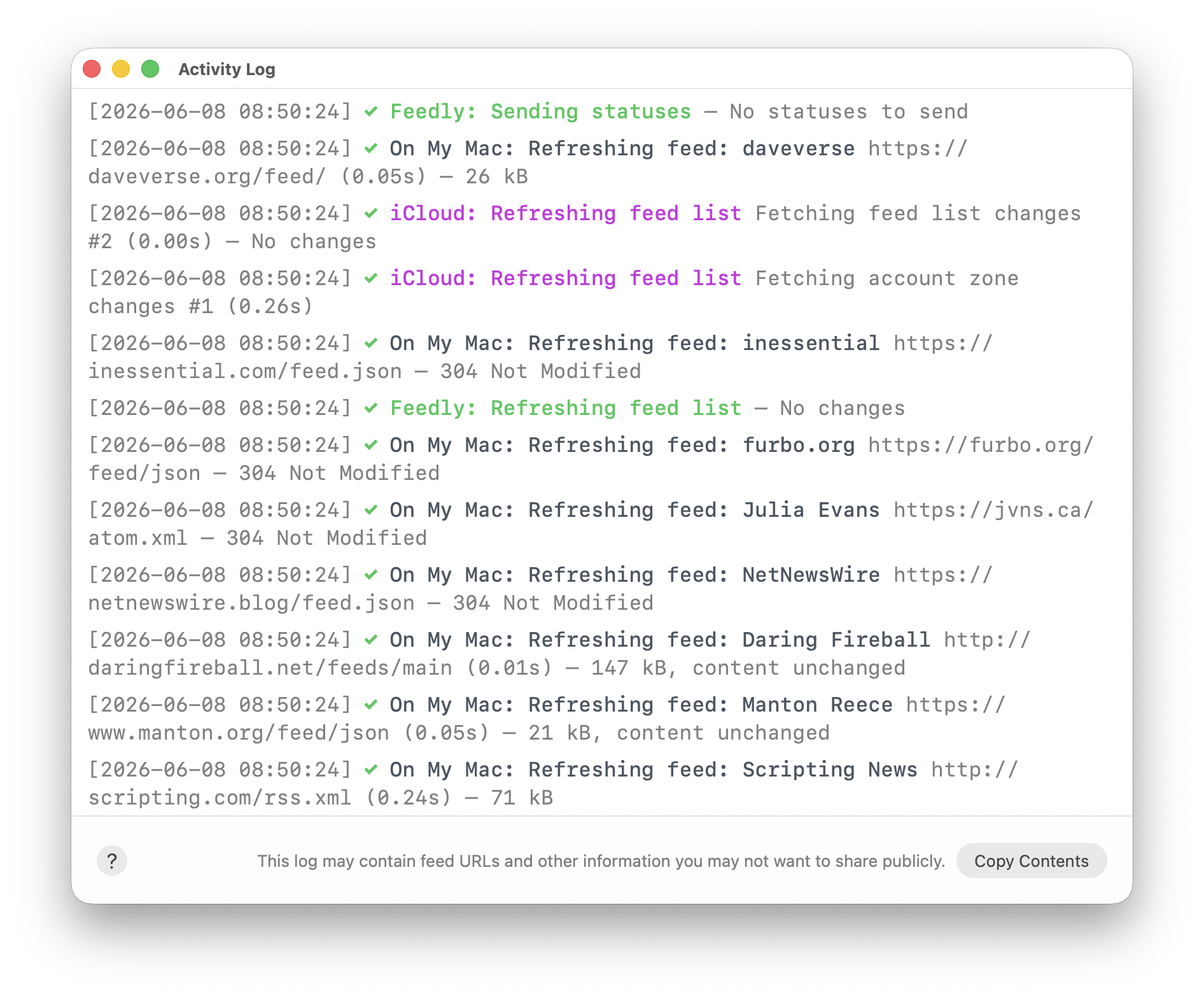
On your Mac, choose Window > Activity Log to open the window. You’ll see something like this:
On iOS, open Settings, scroll down to Troubleshooting, then tap Activity Log. You’ll see something like this:
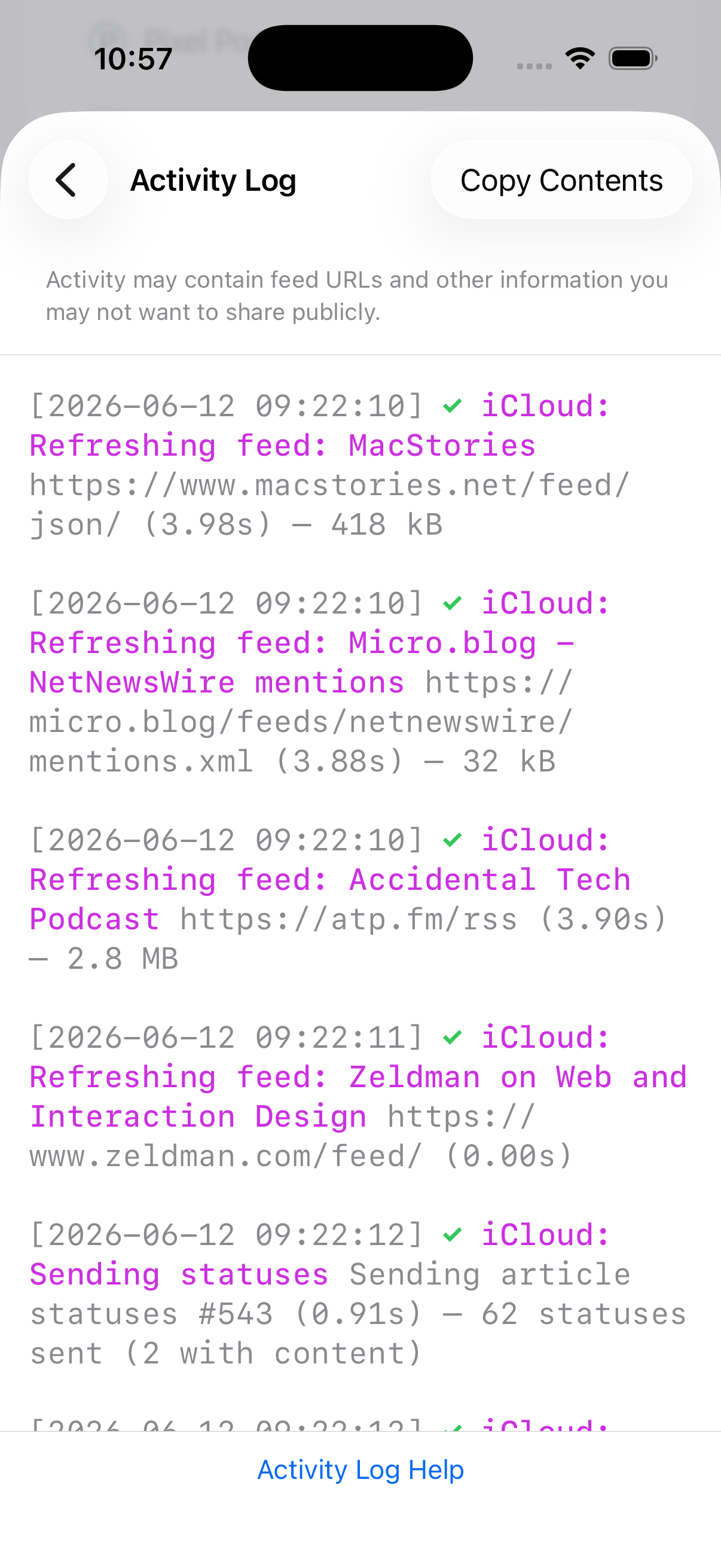
(The Activity Log feature was added in NetNewsWire 7.1, released in June 2026.)
What Happened
The Activity Log is all about things that happen over the web — downloading feeds, syncing statuses, looking for feed images, and so on.
It gives you more information than just that it tried a thing: it says what the result is.
For instance, an error downloading a feed might look like this:
[2026-06-07 12:12:02] x On My Mac: Refreshing feed: NetNewsWire https://netnewswire.blog/feed.json — A TLS error caused the secure connection to fail.
Another feed download might be skipped due to the app respecting Cache-Control headers:
[2026-06-07 12:21:43] ✓ iCloud: Refreshing feed: Unsung https://unsung.aresluna.org/feed.xml — Skipped — Cache-Control, ready at 1:59 PM
An iCloud status sync activity will report on number of changed and deleted items:
[2026-06-07 11:57:43] ✓ iCloud: Refreshing statuses - Fetching status and content changes #12 (0.00s) — 3 changed, 2 deleted
A Feedly refresh will report on the number of articles downloaded:
[2026-06-07 12:12:02] ✓ Feedly: Refresh all (0.97s) — 11 articles downloaded
Whenever you think the app isn’t doing what you expect, you can check this log and find out exactly what it’s doing.
Tip: Find
On Mac, type cmd-F to open the Find bar and search within the log.
Also Useful
Current Activity shows exactly what’s happening right now.
The Error Log lists recent errors with additional detail.