
How to View Account Stats
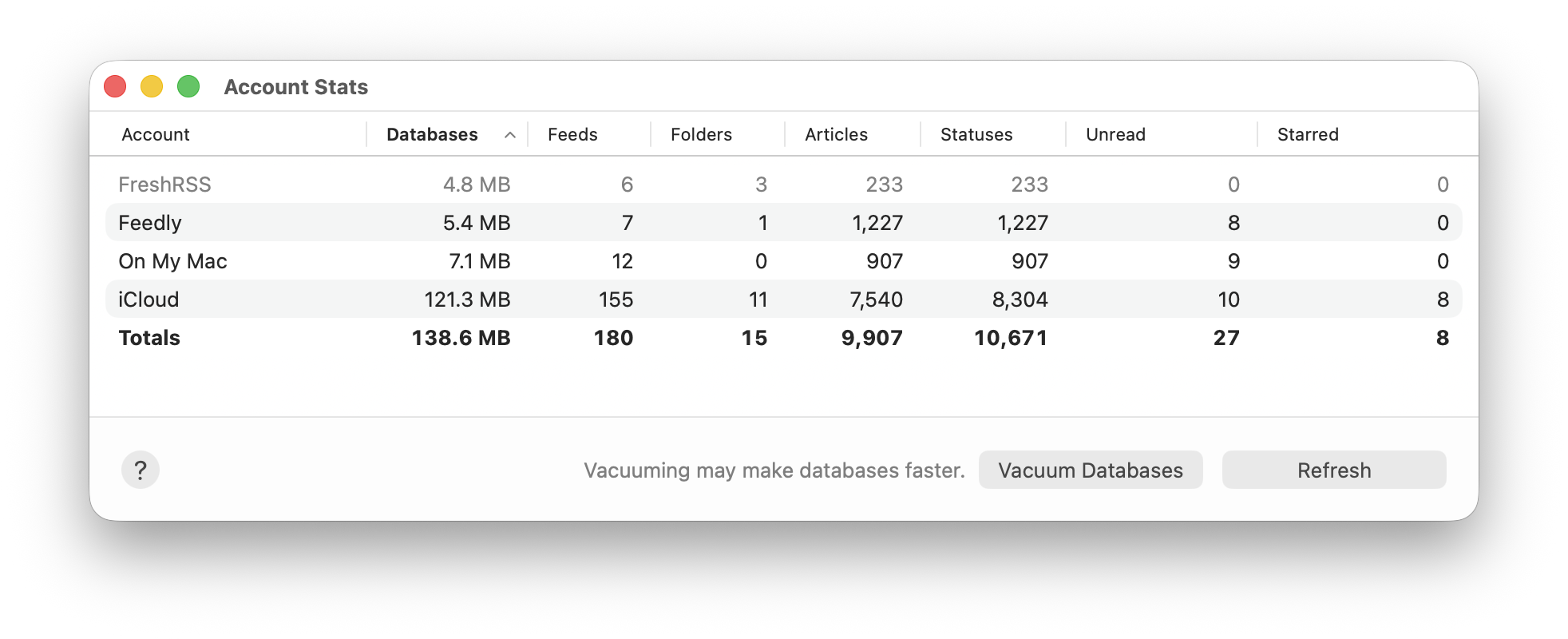
On your Mac, choose Window > Account Stats to open the window. You’ll see something like this:
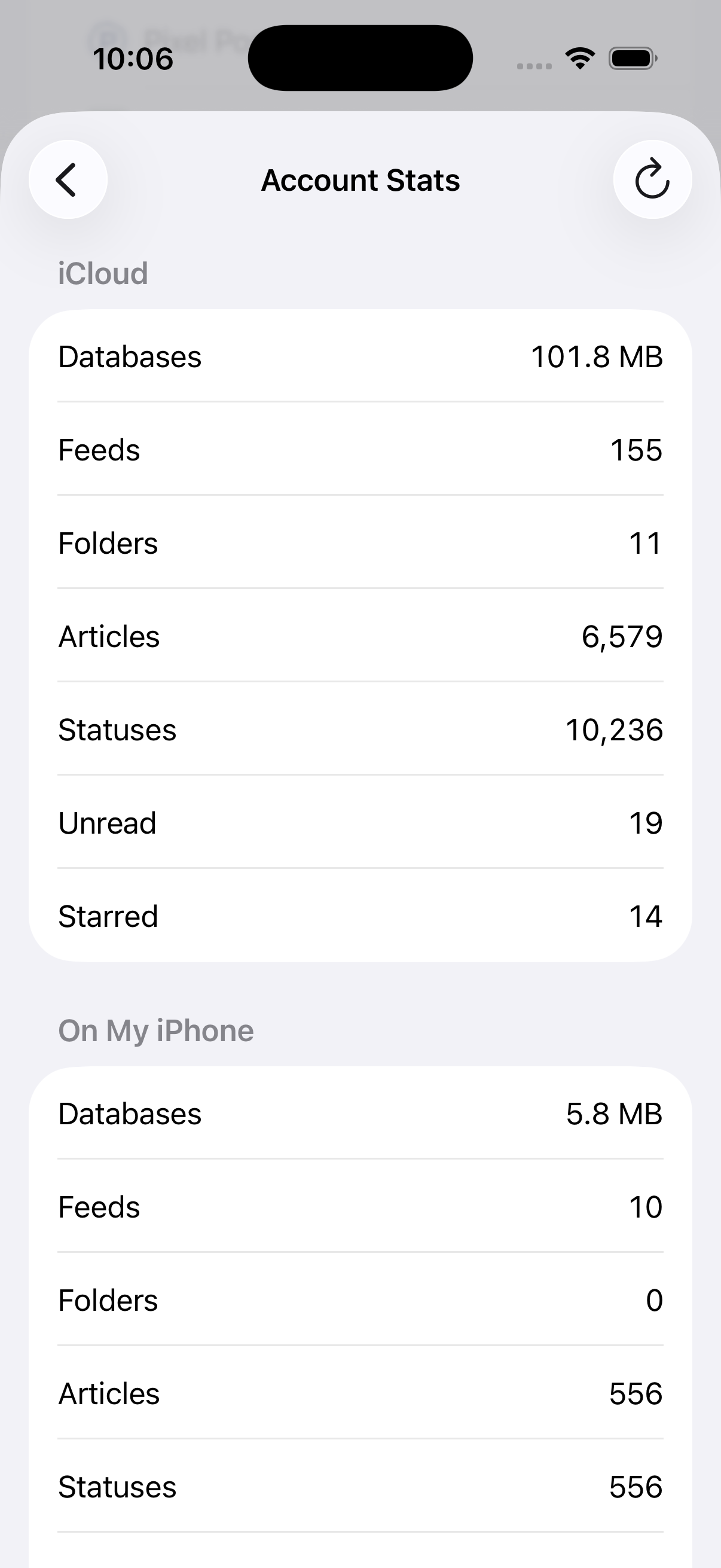
On iOS, open Settings, scroll down to Troubleshooting, then tap Account Stats. You’ll see something like this:
(The Account Stats feature was added in NetNewsWire 7.1, released in June 2026.)
What the fields mean
Each account has its own row on Mac, or section on iOS, and, if you have multiple accounts, there’s also a Totals row or section.
(Inactive accounts also appear in this list: they’re grayed-out, as in the top row in the Mac screenshot.)
The Databases field adds up the sizes for all the databases for that account.
The rest of the fields tell how many of each are stored by that account.
How to Compact Your Databases
You can sometimes save a little space and make your databases faster by clicking or tapping the Vacuum Databases button at the bottom.
This is generally not going to have a noticeable effect on performance, but it could in some cases. Also, it usually won’t shrink your databases by much, but it could.
After vacuuming, which will take a few seconds, the table is refreshed with updated numbers.
vacuum command on each of the databases.
How to Refresh the Table
Click or tap the Refresh button (at upper right on iOS) and the app will re-scan the databases and update the numbers in the table.